How to Check if Your Brand Is Visible in Generative AI Results (Free Method)
Have you optimized your website for AI crawlers & now want to know whether you are visible in generative AI results or not? No worries. Now, you can check, and the best thing is that you can do it without spending $99–$300 per month/year. Tools you may already use like Google Search Console & Google Analytics are used to tell if your brand is visible in Generative AI results for free.
Along with this, you can also check AI visibility by running brand-related prompts on AI platforms such as ChatGPT, Gemini, AI Mode, AI Overviews and more. Through this guide, WebHopers explains how to tell if your brand is visible in generative AI results without spending a penny.
What Type of Visibility Can You Get on Generative AI Results?
AI visibility results are not one type. You can see multiple ways AI crawlers mention brands, such as:
Brand Mention: When your business name is mentioned on AI platforms.
Website Citation: This means when an AI platform links your web page to an answer.
Recommendation or Position: It appears when users ask for some options.
Accuracy & Sentiment: An AI platform might mention your business but with incorrect information.
Best Free Methods to Track Visibility in Generative AI Results
Some of the free methods to check whether it is recommending your business or not:
Method 1: Track Your Brand on ChatGPT
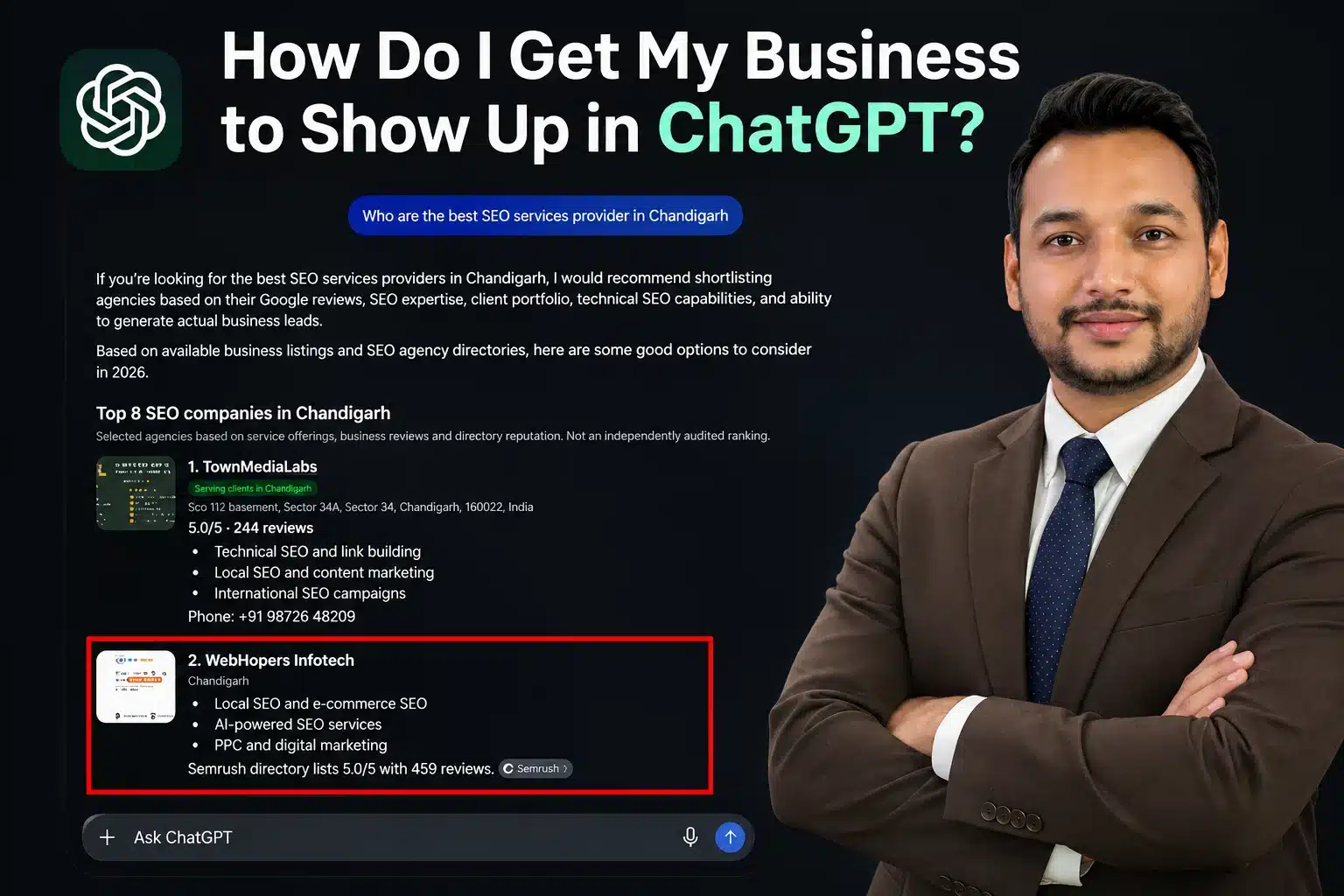
Among all AI platforms, ChatGPT is the most used platform by users. That’s why you must track your brand on ChatGPT first. Follow the following steps:
Step 1: Open ChatGPT
Step 2: Search for your brand name (e.g. what do you know about [brand name)
Step 3: Ask industry-related questions like: Which pharma franchise company in Chandigarh offers the best monopoly rights?
Method 2: Check Brand Visibility on Google AI Overviews
Google AI Overviews appear at the top of Google SERP for eligible search queries. Let’s see how to track brand mentions on AI Overviews:
Step 1: Open Google Search
Step 2: Search any question that your user may ask about you
Step 3: Check AI Overview presence
Step 4: If yes, check the answer
Step 5: Click the available source link
Step 6: Check which page Google picked for this answer
Method 3: Track Brand Visibility on Google Gemini
Google Gemini is yet another important platform for AI visibility. Follow the following steps:
Step 1: Open Google Gemini
Step 2: Ask a user-asked question related to your business
Step 3: Check your mentions in AI-generated answers
Step 4: Repeat the search with different wording
With different wording, you can identify the types of searches where your brand is visible.
Method 4: Track Through Google Search
If your brand visibility is absent in AI-powered answers, then you must check your third-party mentions on Google.
Use Google Search with the following steps:
Step 1: Open Google Search
Step 2: Search Your Brand Name
Step 3: Check where your brand name is mentioned in third-party mentions
Step 4: Also check news, short videos & more
Two Best Tools to Check If Your Brand is Visible in Generative AI Results (Free Method)
Have a look:
Google Search Console
Google Search Console is an everyday tool used by website owners to track search performance. And now, this tool has a Generative AI report feature that shows website search traffic and queries.
Steps to use Google Search Console:
Step 1: Open the Google Search Console Tool
Step 2: Click the Performance Button
Step 3: Find the Open Report button for generative AI
Step 4: Select your date range
Step 5: Check impressions, clicks and average CTR
Google Analytics 4 (GA4)
Google Analytics is also the most used tool by website owners to track website traffic and leads. This tool gives you free access to AI-powered traffic analysis.
Steps to use Google Analytics:
Step 1: Log in to your Google Analytics account
Step 2: Go to Reports, click Acquisition & open Traffic Acquisition
Step 3: Locate Session source/medium (You can change the date)
Step 4: Look for referral sources, e.g. ChatGPT, Gemini, Perplexity
Step 5: Analyze performance
Not Sure How to Identify Your AI Visibility Results? Have a Look
Let’s understand it with common situations:
Situation 1: Your Brand is Visible on AI Search, but Website is Not Cited
This situation clearly indicates that the AI platform has recognized your brand but doesn’t want to provide a direct link to your website.
In that situation, you must navigate the following areas:
Do your Important service pages have enough information?
Is your business information consistent across the web?
Is your business mentioned on third-party relevant websites?
Does your website have a clear picture of your business?
Keep your website clear and build relevant online references.
Situation 2: Your Website is Cited by Your Brand is Not Recommended
Interesting situation! In this case, AI may be using your website as a specific answer but not recommending your agency. For this, you should:
Create dedicated, detailed service pages
Add genuine case studies
Explain your expertise & experience
Include only relevant business information
Clearly connect your service with the problem they solve
Situation 3: Your Competitors Appear Instead of You
In this situation, you must check what your competitors are doing differently. Like:
Are their service pages more informative?
Do they have relevant third-party mentions?
Are they publishing detailed industry-related content?
Do they have stronger customer reviews?
Always remember: Don’t copy the content. Instead, identify missing information on your website or what you can do better than your competitor.
Situation 4: AI Mentions Your Brand But Shows Wrong Information
This situation requires serious attention. You must check the information available across:
Your official website
Google Business Profile
Business directories
Social media profiles
Third-party company listings
Update any outdated information.
What Common Mistakes Must You Avoid When Checking AI Visibility?
Business owners often make some common mistakes whenever they start tracking AI visibility. Let’s see:
Only checking your brand name (not every potential customer knows your name)
Testing only on a single AI platform like ChatGPT (different platforms have different audiences)
Assuming one answer means complete visibility (AI-generated responses are not the same for every query)
Ignoring incorrect information on AI mentions (It is likely no mention, even mention)
Expecting immediate AI visibility after optimization
Treating AI visibility as a fixed ranking (This may vary by question and context)
Questions About How to Tell if Your Brand Is Visible in Generative AI Results Answered Simply Here
How often should we monitor AI search visibility?
We recommend that you track your AI search visibility at least once a month. But if you are actively working on GEO, then you must check visibility every two weeks.
My website ranks on the first page of Google but isn’t appearing on AI-powered answers?
First of all, ranking on the first page of Google doesn’t guarantee AI visibility. Both have different optimization techniques.
How can we know the exact keywords people are searching for related to my business on AI platforms?
Currently, there is no universal free tool that reveals the complete list of prompts people use on ChatGPT, Gemini, Perplexity or more.
My business is visible on Perplexity but not on ChatGPT. Is there a specific reason?
Yes, because different platforms use different models or search systems. Perplexity may mention a page that ChatGPT doesn’t use for a particular question.
How can we know whether AI is using my blog content to generate answers?
The easiest way to know is to search for the question that your article answers on AI platforms and check the results.
What first thing should we measure when starting an AI Visibility audit?
Always start by checking whether your brand is mentioned on AI platforms for primary customer-related queries.
How is Google Search Console useful for understanding AI search performance?
Google Search Console gives you a report on how your website performs in Google’s search ecosystem and Generative AI.
I had a great experience with Webhopers Academy. The course was well-structured and beginner-friendly. Mentors were supportive and explained every topic clearly. I also got practical exposure through assignments and projects. Highly recommended for anyone looking to upskill professionally!
I learned a lot of things in Web Hopper Academy about online advertising in my digital marketing class. We discussed advertisements, social media, and how to contact people over the internet as well. We created our facebook campaigns and tested them. It was similar to becoming a digital marketer. We also worked together a lot, sharing ideas and figuring things out. They showed us tools that actual marketers use, like how to see if people like our ads. Now, I feel like I know the tricks to make things stand out online Ms. Akshita mam was awesome. She explained things with examples and helped us when we got stuck. It wasn't just about listening; we got to ask questions and share our ideas too. Digital marketing is like a big online adventure, and I want to express my gratitude to Ms. Akshita mam for being my teacher. Thank you!
Delivering innovative design, high-performance websites, SEO expertise, and AI-powered solutions